Roblox supermarket guide

Clean the Supermarket Guide, Wiki & Codes

Learn how to sort items, place stock back on shelves, use the official controls, and track real Roblox updates without digging through repeated filler.

Clean the Supermarket guide preview
01 Beginner Guide Start here for first-session steps. 02 Controls PC and console inputs from the official page. 03 Items & Shelves Food items, shelf flow, and placement topics. 04 Latest Updates Tracked Roblox changes and verified notes.

Updates

Latest Game Updates

Official Roblox changes first. Homepage cards stay short so the full update log can stay clean.

Open Updates →

Clean the Supermarket! Launched

Official

June 15, 2026

Tidyverse published the experience on Roblox (universe 10334731049). Genre listed as Adventure; servers support up to 15 players.

Chaos supermarket fantasy: sort and organize hundreds of items back onto shelvesProgression pitch: restore 1000+ supermarket products and stock shelves
Source: Official Roblox games API

Overview

What is Clean the Supermarket?

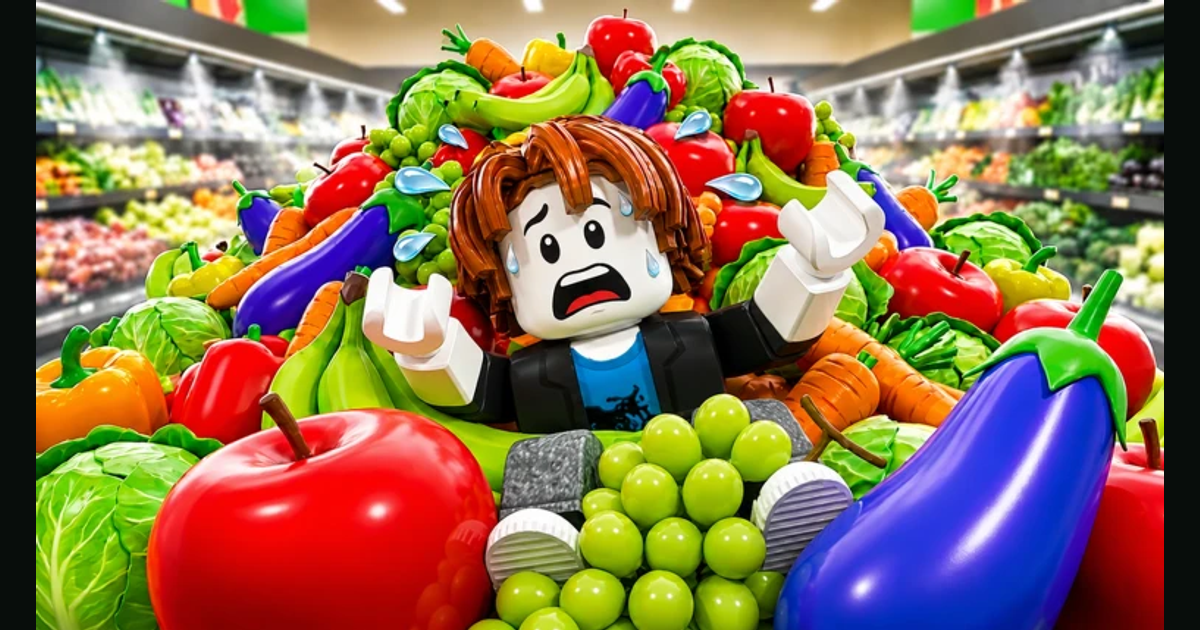
The supermarket is in complete chaos and players need to sort and organize hundreds of items back onto their shelves. Sort, organize, and restore 1000+ supermarket items, buy upgrades, become the ultimate stocker, and restore order.

Core Objective

Bring the supermarket back under control by picking up misplaced stock, sorting it properly, and placing items back onto the right shelves.

Controls & Handling

The official Roblox description confirms the main loop is built around simple pickup, drop, and place controls on both PC and console.

1000+ Store Items

Public Roblox copy frames the experience around restoring 1000+ supermarket items and sorting thousands of food products across the store.

Upgrades & Progression

Once the basics click, the game pushes players toward upgrades and faster stocking so each run feels more efficient instead of more random.

How to play

Start With the Core Stocking Loop

This game is easiest when you learn the controls first, then work aisle by aisle instead of trying to fix everything at once.

Step 1

Learn the core controls

Use E to interact, F to drop, and Click to place on PC. Console players use RT to interact and place, B or O to drop, and D-Pad for abilities.

Step 2

Pick up misplaced stock

The official game description centers on sorting and organizing scattered supermarket items. Start with nearby misplaced items so shelf routes stay simple.

Step 3

Place items back on shelves

Return stock to shelves as you move through each aisle. The core goal is restoring order across 1000+ supermarket items, not rushing random interactions.

Step 4

Use upgrades after the basics feel easy

Once you understand the stocking loop, move into upgrades to improve your pace and make the supermarket easier to manage.

Getting started

Four Guides to Build Your First Good Run

New players do better when they follow the basics in order: learn the loop, confirm the controls, understand shelf flow, then move into upgrades.

1

Beginner Guide

Start with the first-session loop: what to pick up first, how to move through the store, and which official details actually matter at the start.

Open Beginner Guide →
2

Controls Guide

Lock in the verified PC and console inputs before you build speed. This keeps early shelf runs clean and prevents avoidable mistakes.

View Controls Guide →
3

Sorting & Shelves

Learn the core shelf-restocking flow, how to group nearby stock, and how to avoid wasting time doubling back through the same aisles.

Read Sorting Guide →
4

Upgrades Guide

Once the basics feel steady, move into upgrades and progression so you can stock faster and scale your runs more efficiently.

See Upgrade Guide →

FAQ

Clean the Supermarket FAQ

How do I start playing Clean the Supermarket?

Start by learning the pickup and placement controls, then pick up misplaced items and return them to the correct shelves. The beginner guide and controls page cover the safest first steps.

Are there working Clean the Supermarket codes right now?

As of the latest public Roblox source check on July 1, 2026, no official public code list was shown on the game page. This site does not promote unverified code strings.

What controls matter most at the start?

On PC, the official Roblox description lists E to interact, F to drop, Click to place, and T to wipe save. On console, RT interacts and places, B or O drops, and D-Pad handles abilities.

What should I focus on first in-game?

Focus on the core loop: pick up scattered stock, place it back on shelves, and keep the supermarket organized. After that, use upgrades to speed up stocking and cleanup.

Is there an official Trello or public roadmap?

No verified public Trello board or roadmap link has been confirmed from the checked official Roblox sources so far.